Low-latency desktop streaming between your computers
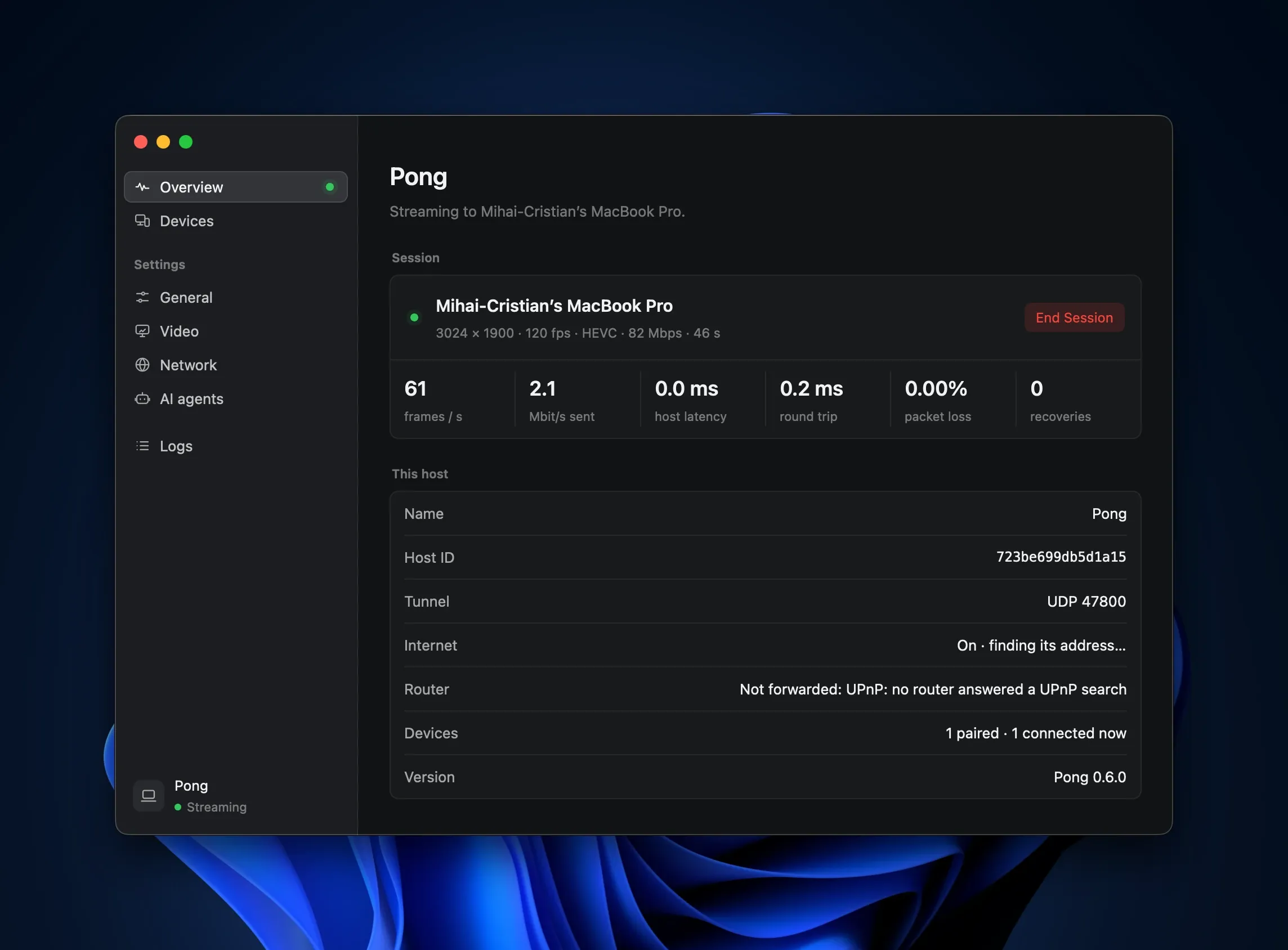
Ping, the client, and Pong, the host, stream a desktop at up to 4K and 120 fps with the latency of Moonlight and Apollo. Every packet travels in one post-quantum WireGuard tunnel. For macOS, Windows and Linux, and open source under the MIT license.
- Up to 4K
- at 120 fps and more
- HEVC and H.264
- hardware encode and decode
- Stereo to 7.1
- Opus audio
- ML-KEM-768
- post-quantum, every packet
- No port forwarding
- NATs punched from both sides
- macOS, Windows, Linux
- client and host on each
Feature for feature with Moonlight and Apollo
pingpong covers what a Moonlight + Apollo setup does, and adds to it: one code base in Rust, with a client and a host on all three desktops.
-
Post-quantum encryption
Picture, sound, input and the clipboard travel in one tunnel: WireGuard with ML-KEM-768. Pairing is a hybrid SPAKE2 + ML-KEM exchange over a PIN. Encrypting a 1,200-byte packet takes 0.63 µs.
-
Reach your host from anywhere
Hosts publish sealed records on the BitTorrent DHT, and both sides punch through their NATs. No relay server, no VPN and no ports to forward.
-
Recovery from packet loss
Reed-Solomon parity, sized to the loss the link shows, rebuilds what Wi-Fi drops. When it cannot, Ping asks for a fresh reference frame, as Moonlight does.
-
Your screen’s exact mode
Windows and macOS hosts create a virtual display at your screen’s resolution and refresh rate for the session, so nothing is scaled or letterboxed.
-
A clipboard shared both ways
Text, images, files and folders, in either direction. Anything a password manager marks as concealed is never sent.
-
Surround sound and controllers
Stereo, 5.1 or 7.1 sound. Controllers reach a Windows host as Xbox 360 pads, and rumble comes back about 7 ms after the host sets it.
The host’s screen and the client’s, side by side
A real stream from a Linux host to a Linux client, both screens recorded at the same instants. The host shows a running clock, so the two halves can be compared frame by frame: the client is one frame behind the host throughout. Ping’s statistics put 5.1 ms of that between the host capturing a frame and the client’s screen showing it, and no frame was lost.
Where the 5.1 ms go
Host capture to client screen, averaged over 32 s- Host 2.63 ms capture, encode, encrypt, send
- Network < 0.05 ms and reassembly; loopback here
- Decode 0.46 ms the client’s decoder
- Present 1.84 ms render, with V-Sync
- Between 0.16 ms queues between stages
From Ping’s statistics: 1280×720 at 60 fps, H.264, encoded in software, host and client in one Linux container. On a real network, add its round trip. On the benchmark machines, capture to encoded frame takes 2.2–2.6 ms at 1080p60.
Measured against Moonlight + Apollo
The same MacBook, the same PC and the same demanding settings: 3024×1890 at 120 fps and 100 Mbit/s, HEVC, 7.1 sound, with the host’s screen full of noise.
- pingpong
- 115.6 fps
- Moonlight + Apollo
- 110.0 fps
- pingpong
- 5.0 ms
- Moonlight + Apollo
- 5.6 ms
- pingpong
- 1.6–2.0 ms
- Moonlight + Apollo
- 2.32 ms
Client: a 14″ MacBook Pro (M4 Pro) on Wi-Fi. Host: Windows 11, RTX 3070 Ti, SudoVDA. Ping’s figures are 30-second averages; Moonlight’s, its end-of-stream statistics. The two measure network round trip differently, so it is left out here. Every figure, and how it was taken
Let an AI agent use your host
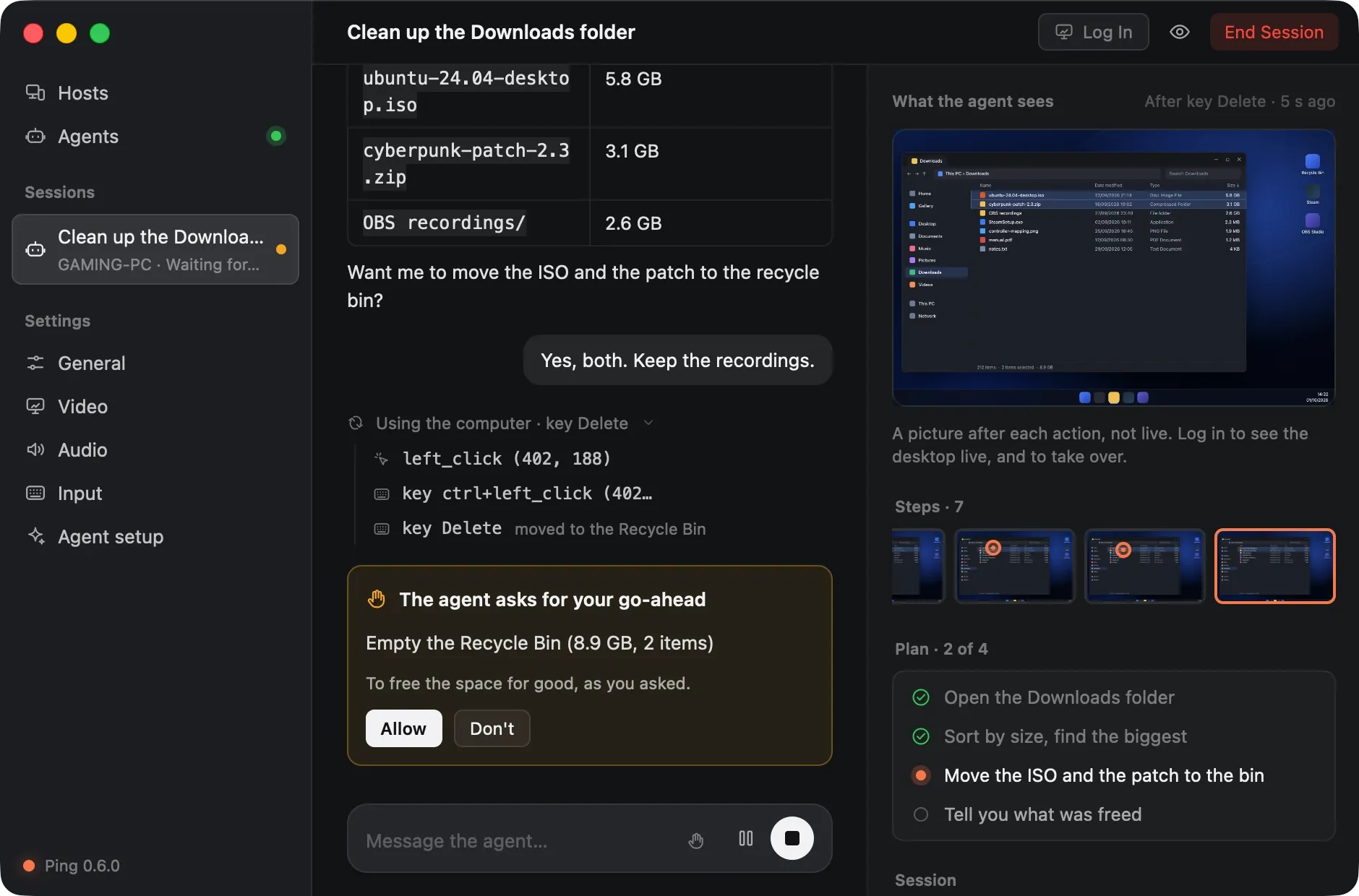
An agent sees the screen and uses the keyboard and mouse the way you do through Ping: over the same tunnel, from anywhere. You can watch it, take over or stop it at any point.
-
Watch it, or take over
Every action, its result and the screen after it. Log in to see the desktop live; Ctrl Alt Shift T takes the keyboard and mouse.
-
It asks first
Before it deletes, spends, sends, installs or types a password. Rules catch
rm -rf,git push --forceandDROP TABLEwhether it asked or not. -
Your model, or your agent
Claude Code or Codex on your plan, an Anthropic, OpenAI or OpenRouter key, or a local model. Or give any MCP client your hosts as tools with
Ping mcp.
Rules the host holds every agent to
- Never over a person An agent is refused while a person streams.
- A person always wins Starting a stream takes over from an agent.
- Secure screens are a person’s At a sign-in or lock screen, or a UAC prompt, its input is held.
- Someone at the host comes first Input at the host holds the agent until 10 s after it stops.
An agent pairs like a device, and its role is sealed with the PIN’s key: the host knows it by its key, not by what it claims. How agents work
Native apps for the client and the host
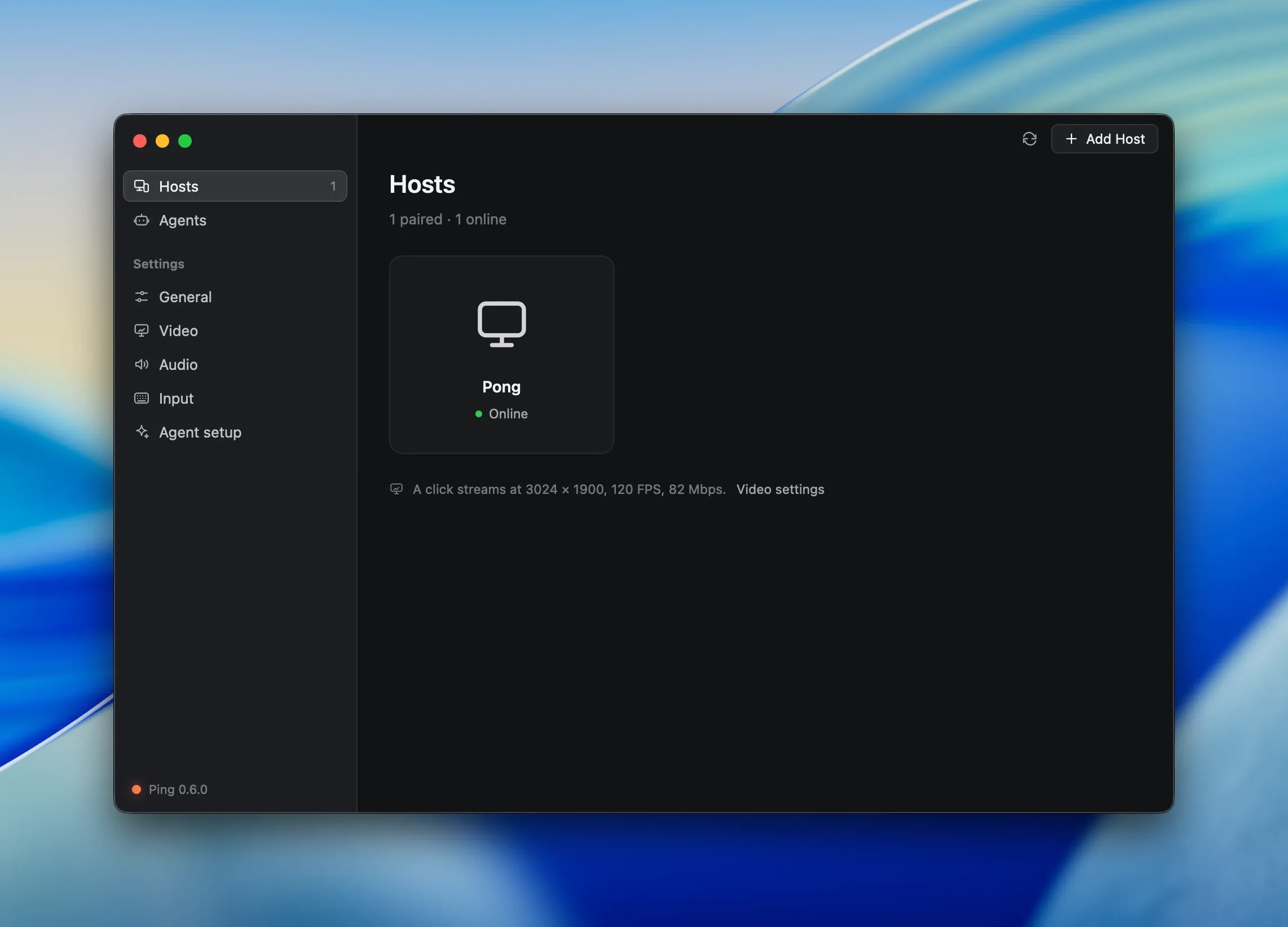
Ping runs on the computer you sit at, Pong on the one you stream from. Both are native windows drawn with GPUI, follow your system’s light or dark appearance, and explain every setting in a line.
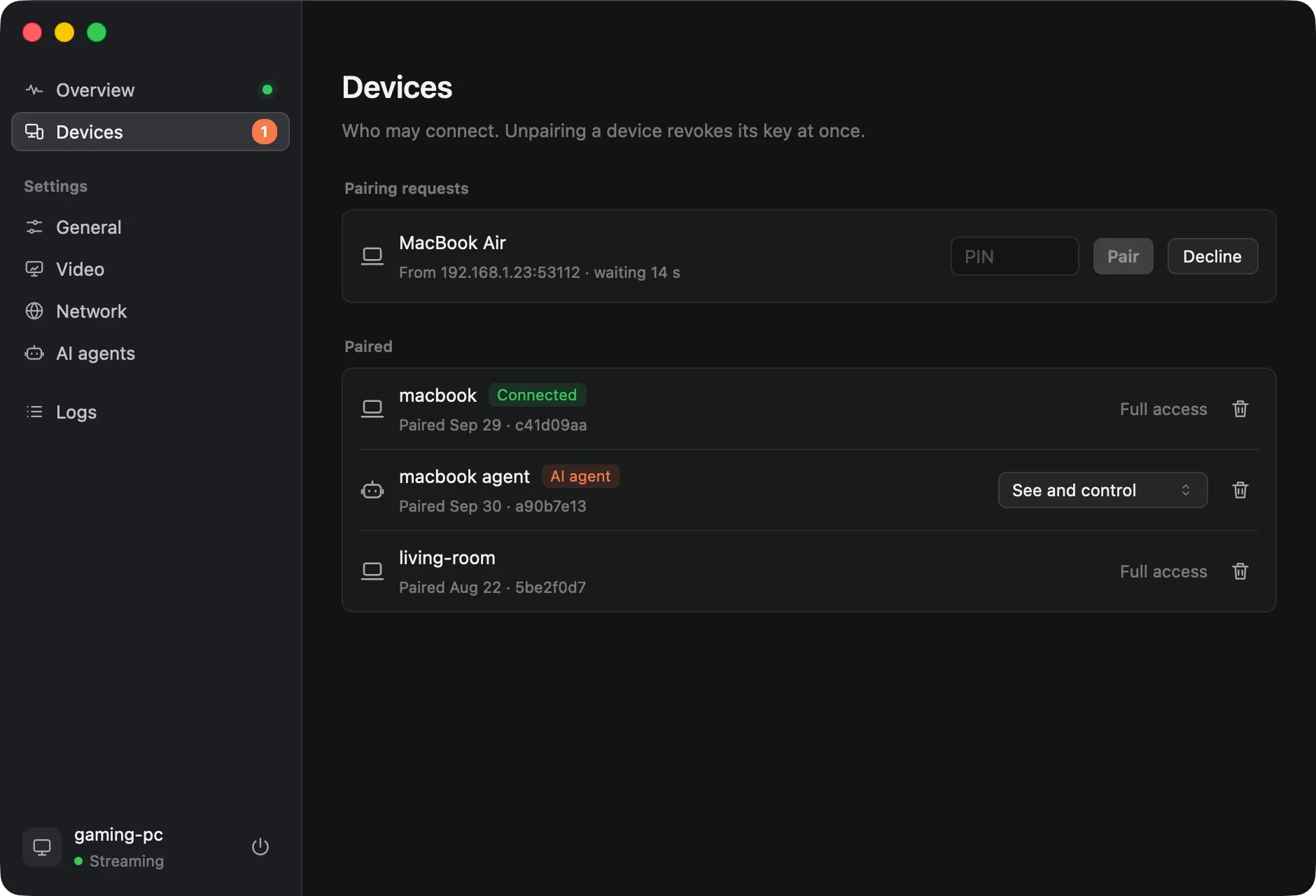
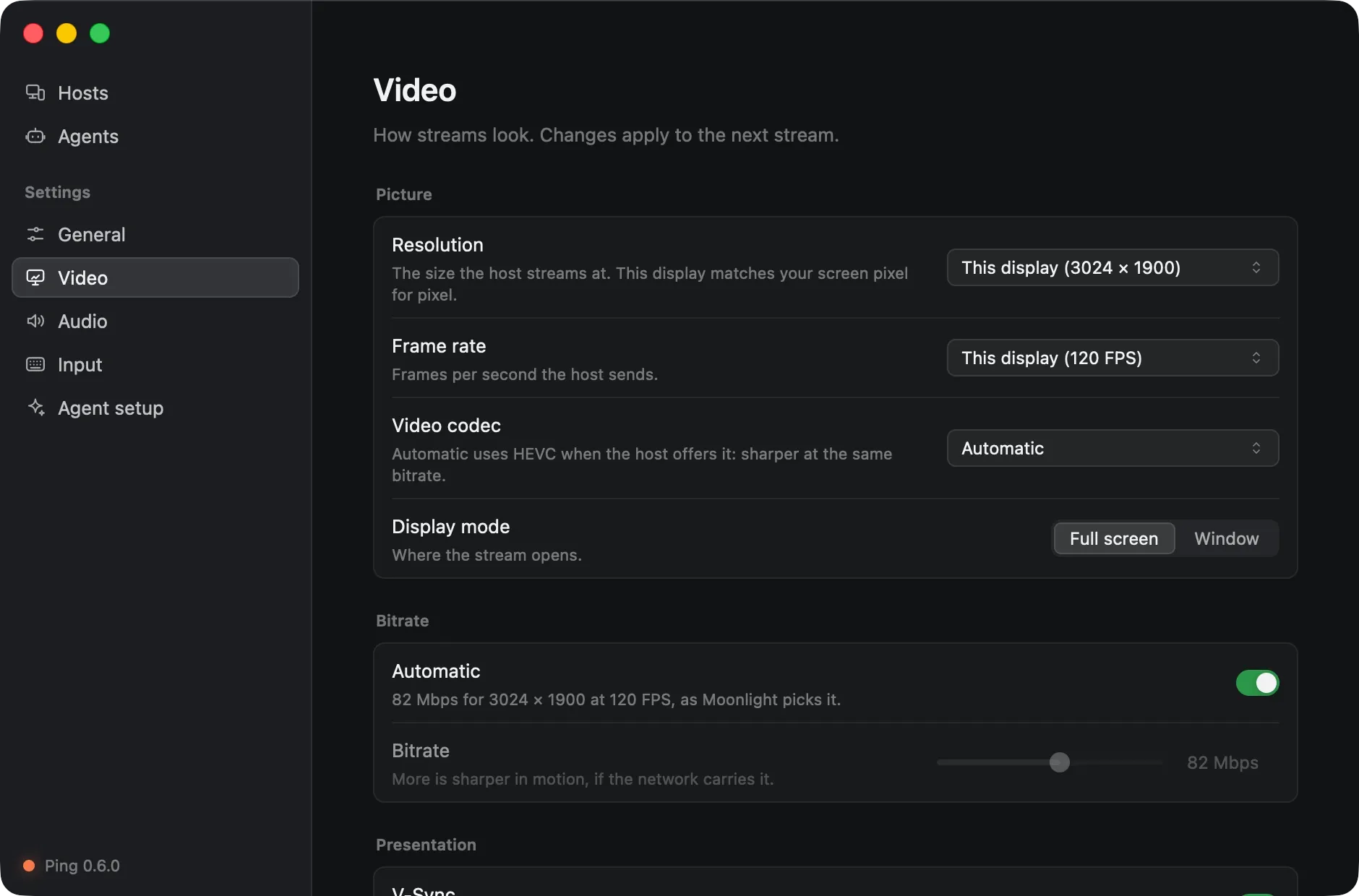
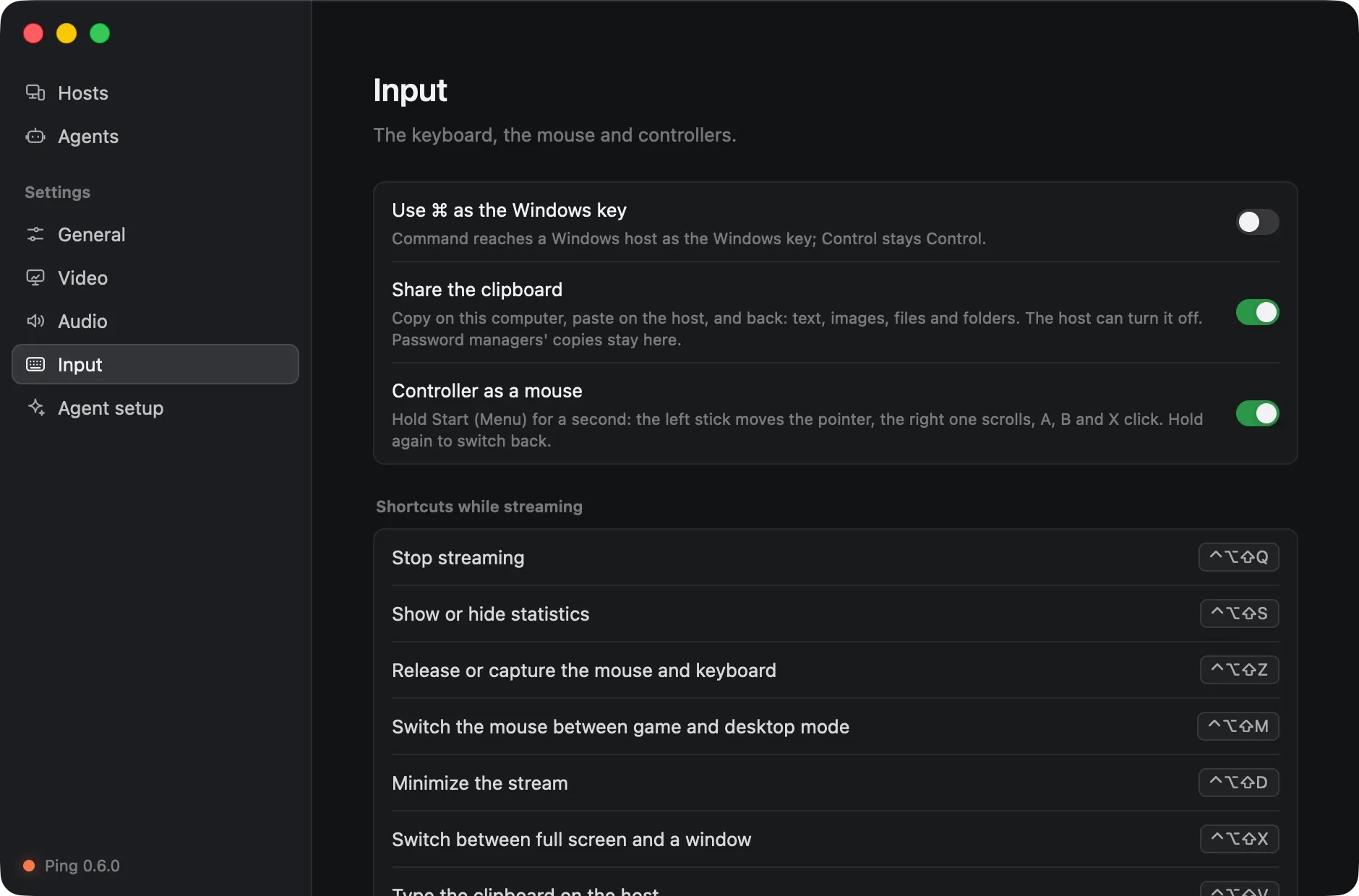
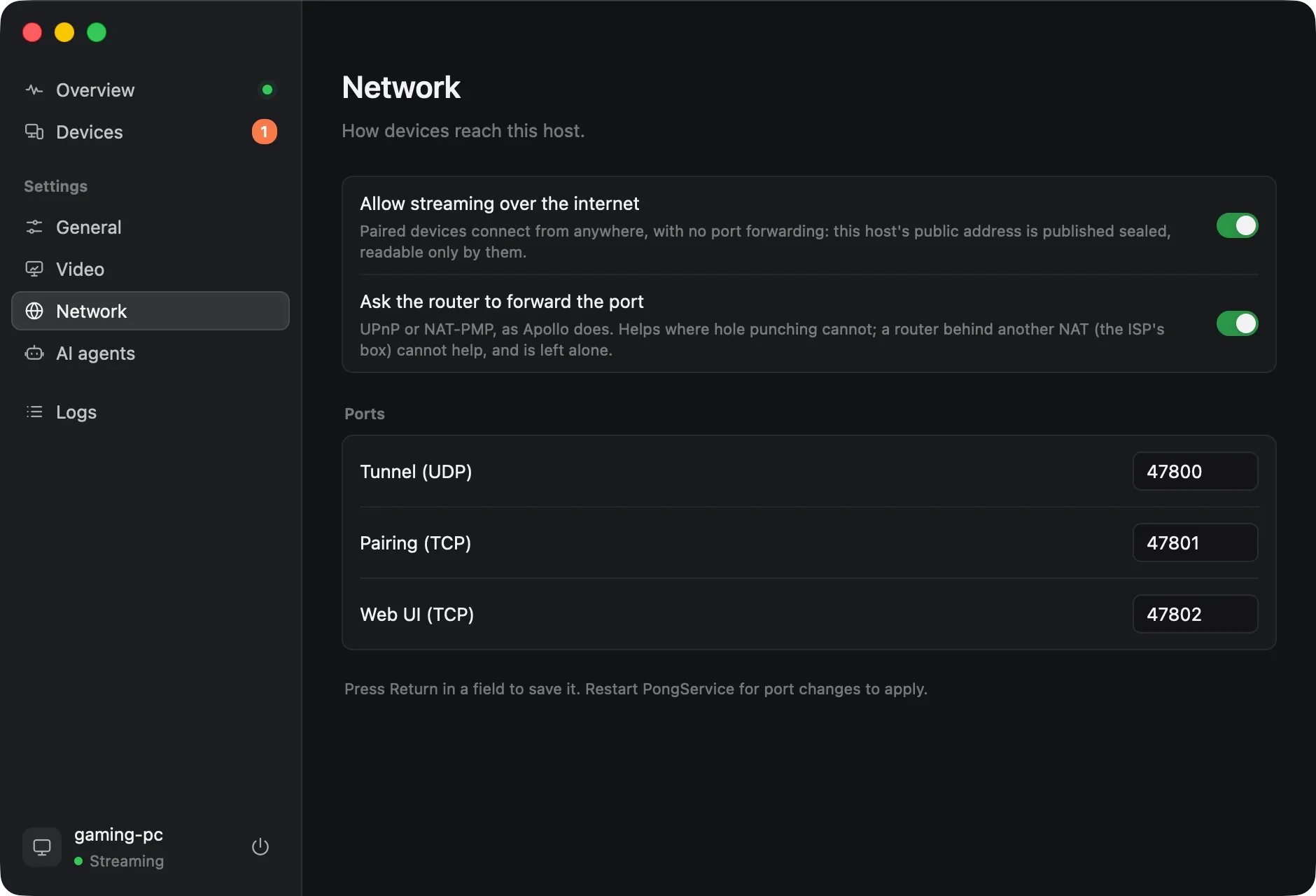
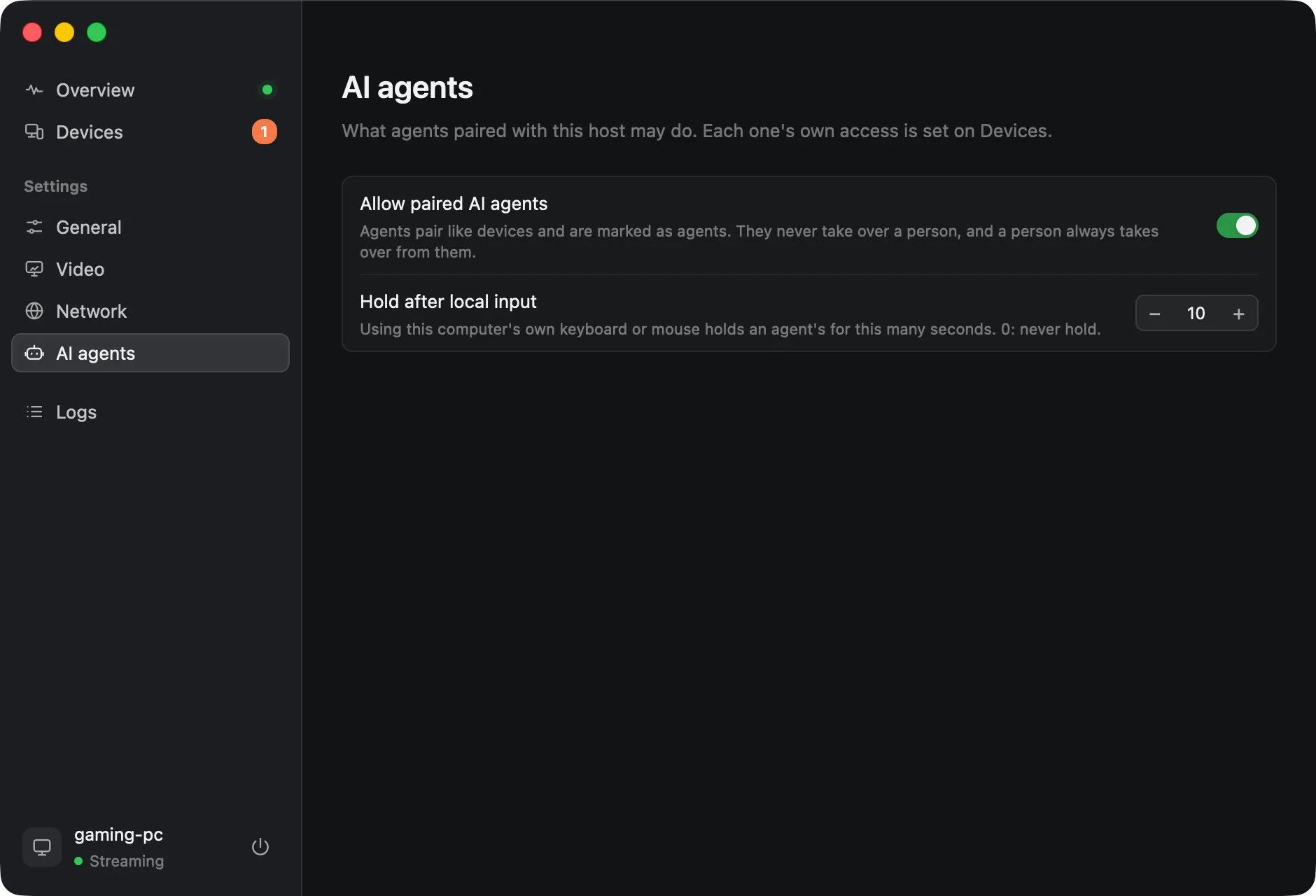
A client and a host on every desktop
| System | Client (Ping) | Host (Pong) |
|---|---|---|
| macOS 14 and later | Daily use Ping.app | Works Pong.app: a virtual display at your size, HEVC, stereo sound; no controllers |
| Windows 10 and 11 | Works Ping.exe, less tested than on macOS | Daily use PongService: starts at boot and streams the lock screen; needs an NVIDIA GPU and SudoVDA |
| Linux X11 and Wayland | Works ping-app, tested in a container | Works pong as a user service; the screen is scaled, with no virtual display |
Phones, tablets and TVs are out of scope. Feature by feature against Moonlight + Apollo
Install, pair and stream
-
Install
Pong on the computer you stream from, Ping on the one you sit at.
-
Pair
Click the host in Ping and type the PIN it shows into Pong. You do this once, on your network.
-
Stream
Click the host again, from anywhere. Ctrl+Alt+Shift+Q ends the stream.
brew tap mihaicristianfarcas/pingpong https://github.com/mihaicristianfarcas/pingpong
brew install --cask ping # the client
brew install --cask pong # the host
On Windows and Linux, build from source with Rust 1.96 or newer; a Windows host needs an NVIDIA GPU and SudoVDA. Installing, step by step